Recommended
Dedicated server
A single-tenant server reserved for your firm alone, set up and maintained by us.


The system analyzes every uploaded document, answers questions in plain, clear language and points to the specific pages of the record on which the answer is based.
The system delivers fast, precise search for the documents you need, even in multi-volume case files, based on the meaning of your query. It automatically locates the document you are looking for, gives the volume and page number, and at the same time displays the document directly in the viewer, taking you instantly from the search result to the source.
Case files
The case volumes go in as PDFs and scanned pages: filings, exhibits, attachments, scanned letters. Volumes are loaded together, so you can ask about the whole case at once.
Reading
It reads scanned pages too and prepares the whole file for search by meaning, not only by single words. The reading happens inside your deployment.
Question
Write the question the way you would say it out loud. No query language, no formatting rules, no training sessions. Ask about witnesses, dates, amounts, contracts or deadlines.
Answer
The answer rests on the loaded record, with no internet search. Blue tags give the volume and page it is based on, even when the documents sit in different volumes.
Source
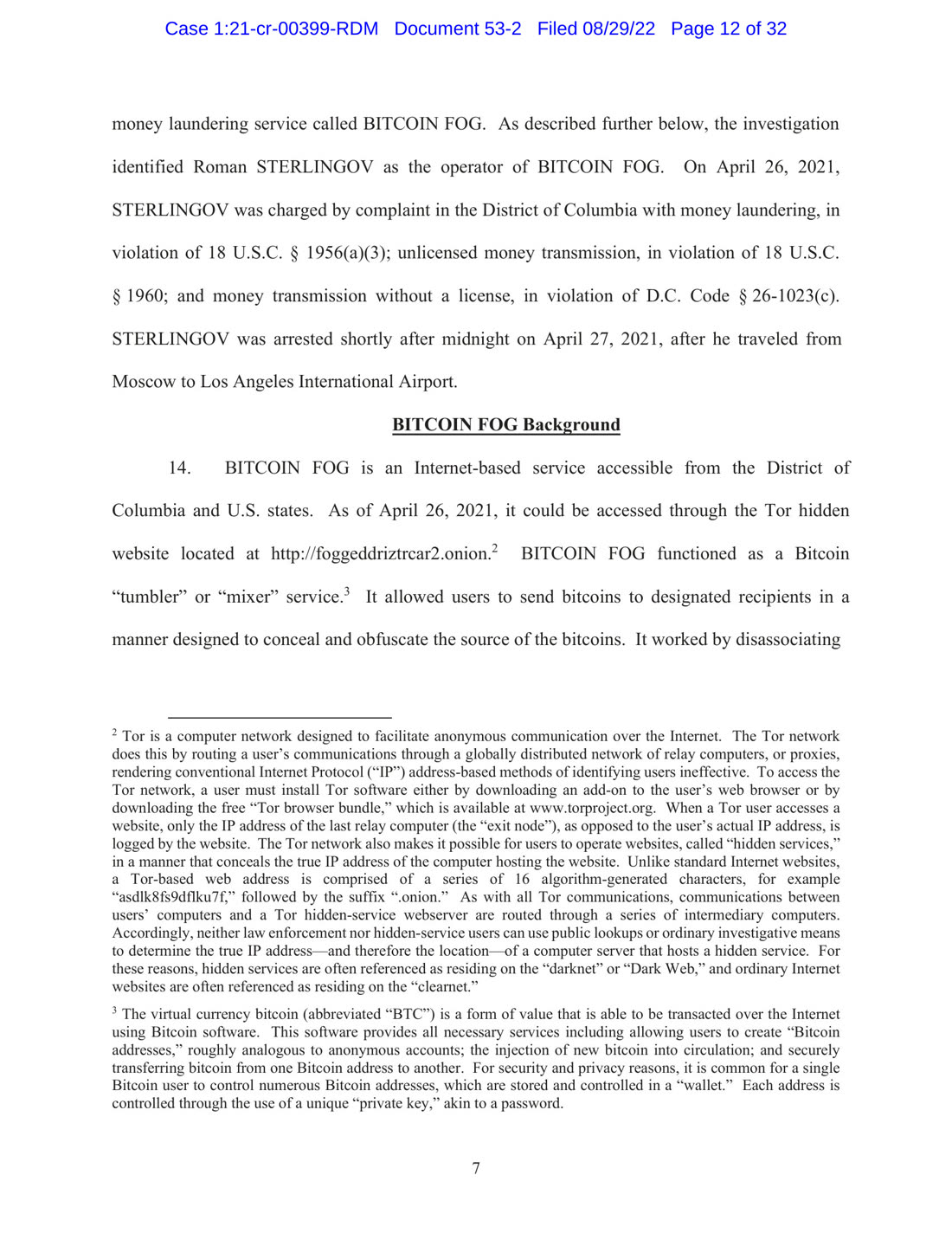
When the page image is available, it opens right under the sentence it supports, rendered from the original PDF. If a scan is poor, you read the page yourself. Checking and conclusions stay with the lawyer.
The solution can be deployed on a dedicated server reserved exclusively for your use, or on corporate infrastructure under your organization's full control.
Recommended
A single-tenant server reserved for your firm alone, set up and maintained by us.
Installed on your own hardware or virtual machine, inside your network, behind your firewall.
Step 1
Go to demo.itomus.com in any browser.
Step 2
Type the code you received and press Enter.
Step 3
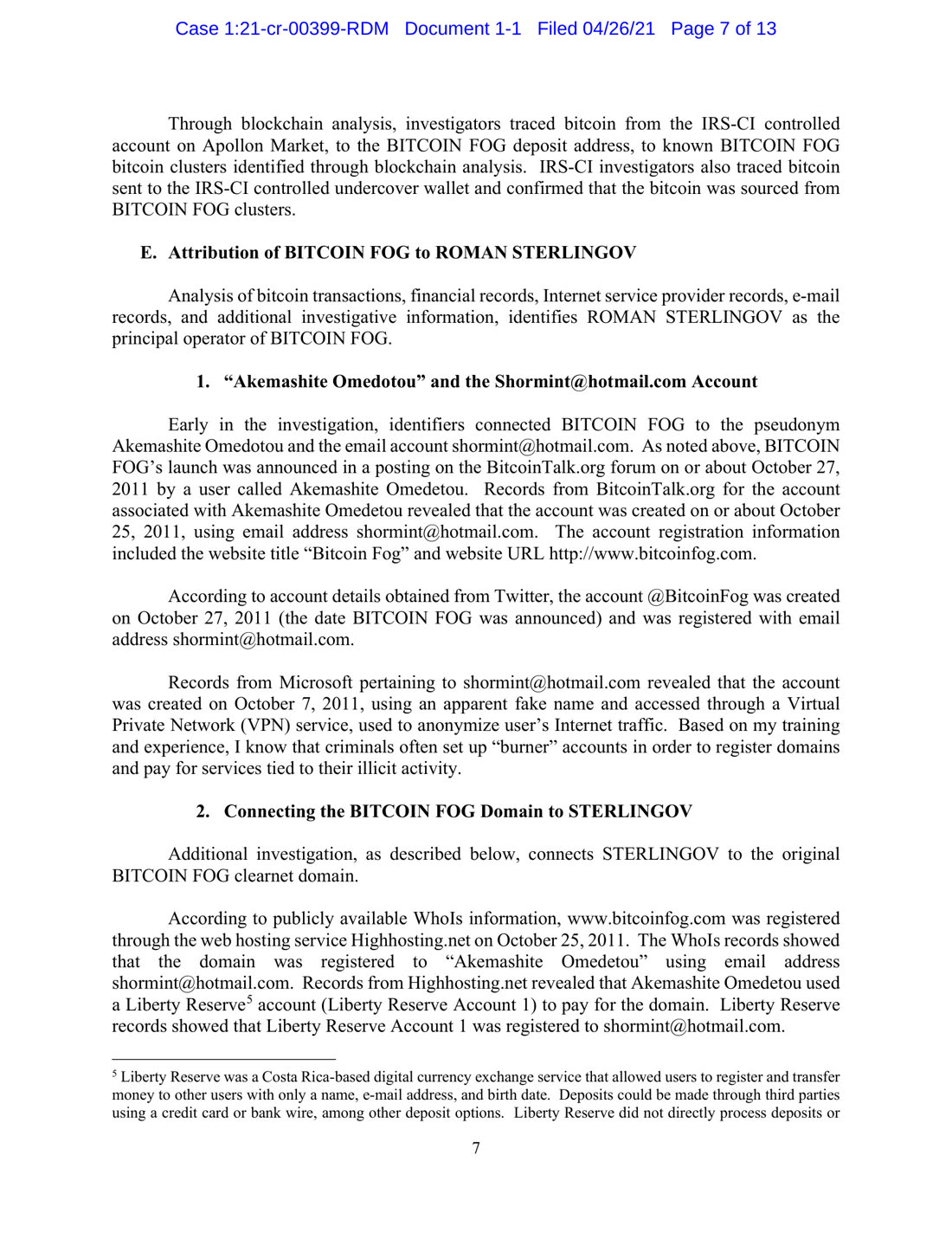
The demo case, United States v. Sterlingov, is already loaded. Write the question the way you would say it out loud: "What websites are associated with or owned by Roman Sterlingov?" Press Enter.
Step 4
When a cited page image is available, click its blue tag, such as [Dkt 053-2 p.12], to open the page image next to the answer.
That is all. No formatting rules, no query language, no training sessions.
Ask about witnesses, dates, amounts, transfers, contracts, deadlines, addresses, signatures
Write to sales@itomus.com. demo.itomus.com